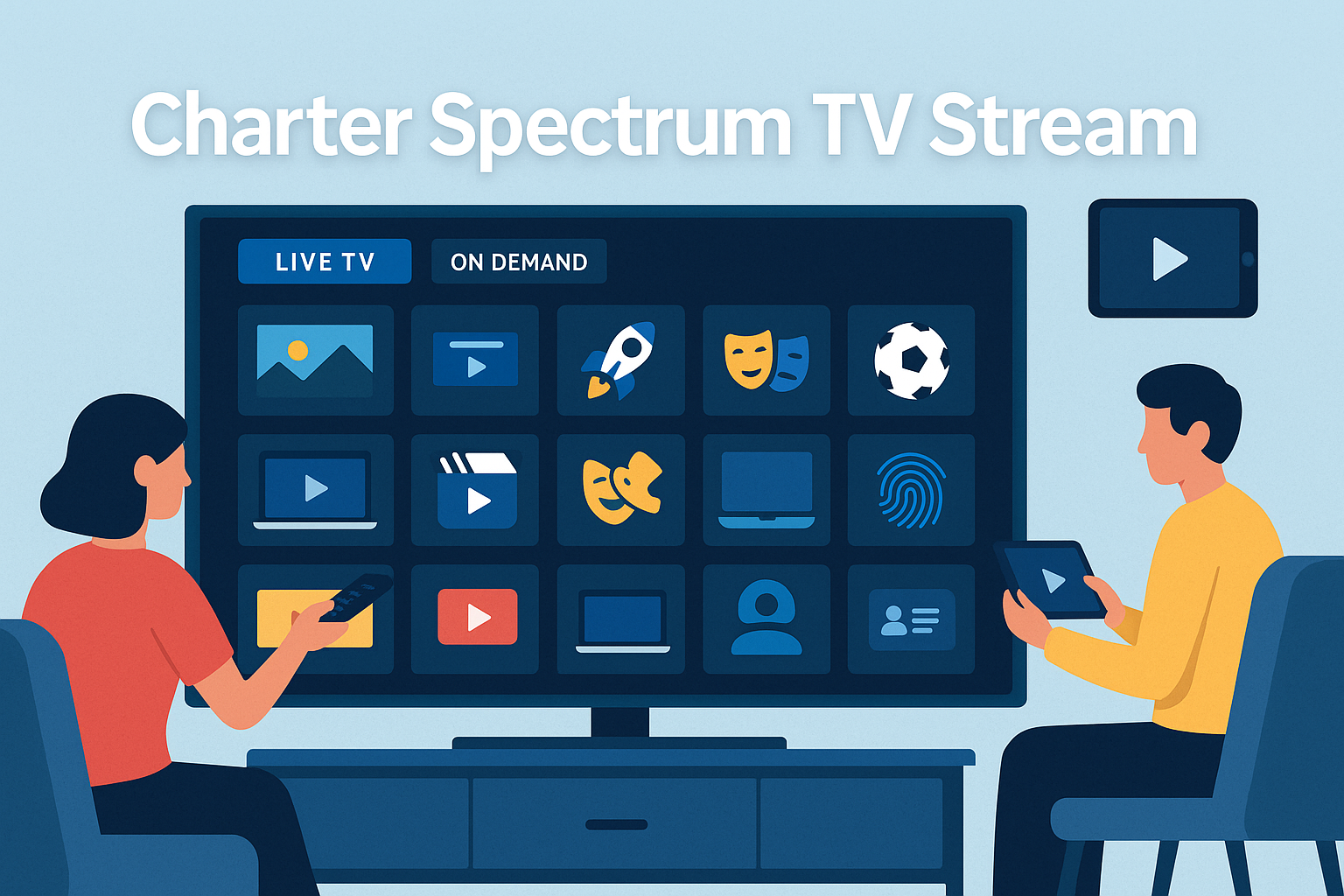
Charter Spectrum TV Stream is an internet-based TV service by Charter Communications. It lets Spectrum Internet customers watch live TV and on-demand shows using the Spectrum TV App on devices like Roku, Apple TV, and smartphones. This option gives you many channels over the internet—no cable box needed. It is perfect for families who already have Spectrum Internet and want a flexible way to watch TV.
✅ What Is Charter Spectrum TV Stream?
Spectrum TV Stream is a streaming package that offers over 85 live channels for $39.99/month (plus tax), available to Spectrum Internet subscribers. It includes news, entertainment, and family channels like CNN, Discovery, Disney Channel, FOX News, HGTV, Hallmark, TLC, and more.
There’s also Spectrum Stream Latino, which includes over 45 Spanish-language channels for $24.99/month. Both plans include on-demand content and basic cloud DVR options.
Unlike traditional cable, Charter Spectrum TV Stream works entirely streaming-based, but requires a Spectrum Internet account.
📺 Key Features of Spectrum TV Stream
Here are the most important features of Charter Spectrum TV Stream:
- Live TV & On Demand: Watch live channels and thousands of on-demand shows.
- Affordable Streaming: Starts at $39.99/month, no cable box fees.
- Wide Device Support: Use it on Roku, Xumo Stream Box, Apple TV, Samsung smart TV, Xbox One, iPhones, and Android devices.
- Cloud DVR: Add DVR for $5–10/month to record shows for later.
- Unlimited Home Streaming: Stream on as many devices as you want within your home network.
- Limited Away Streaming: You can stream away from home, but it’s limited to three streams at once.
📡 How to Watch Charter Spectrum TV Stream
You have these options to watch Charter Spectrum TV Stream:
- Spectrum TV App: Download the free app on your device and sign in with your Spectrum account.
- Web Browser: Visit watch.spectrum.net to stream from your computer or laptop.
- Connected TV Devices: Use Roku, Apple TV, Samsung smart TVs, Xbox One, or Xumo Stream Box to stream live and on-demand content.
📁 Channels and Packages
| Plan Name | Price/month | Channels Included |
|---|---|---|
| Spectrum TV Stream | $39.99 (plus tax) | 85+ live entertainment, news, family channels |
| Spectrum Stream Latino | $24.99 | 45+ Spanish‑language channels |
Both plans include basic on-demand content, optional DVR upgrade, and the ability to add streaming apps via Spectrum’s self-service tools.
💡 Advantages of Spectrum TV Stream
- No cable box needed—stream directly with your devices.
- Affordable price compared to full cable plans.
- On-demand library includes thousands of TV shows and movies.
- Easy family features: parental controls and favorite channel lists.
- Explanation tools: you can upgrade to ad-free versions of streaming apps through My Spectrum App or online.
⚠️ Limitations to Consider
- Local channels are not included (except Spectrum News in select markets). You may need an antenna for ABC, CBS, NBC, etc.
- Limited DVR storage: 50 shows for 90 days with base DVR, or 100 shows for one year with DVR Plus. Others offer unlimited DVR.
- Away viewing limits: only up to 3 streams outside your home network.
🆚 Compare Charter Spectrum TV Stream vs Spectrum TV Select
| Feature | Spectrum TV Stream | Spectrum TV Select (Cable Plan) |
|---|---|---|
| Subscription Type | Streaming internet plan | Traditional cable subscription |
| Price | $39.99/month + Spectrum Internet | $95–105/month with bundled apps |
| Live Channels | 85+ channels, no local networks | 150+ channels including sports, locals |
| DVR Storage | Add-on starting at $5 | DVR included, more storage |
| Device support | Streaming devices, apps | Cable box needed, plus apps |
The cable plan includes sports, local networks, and premium apps at no extra charge (e.g. Peacock, Disney+). Streaming is more affordable and flexible.
📝 How to Sign Up
To subscribe to Charter Spectrum TV Stream:
- Be a Spectrum Internet customer.
- Visit Spectrum’s website and select Spectrum TV Stream.
- Create or sign in to your Spectrum account.
- Choose and pay for the streaming package.
- Download the Spectrum TV App or access it via watch.spectrum.net.
- Log in and start streaming.
🌟 Tips for Better Use
- Use strong home Wi-Fi or a wired connection for best streaming.
- Rename and sort favorite channels in the app for easy viewing.
- Enable parental controls via the PIN system to limit content.
- Stream on your home Wi-Fi for unlimited devices, and be aware of the 3‑stream limit when away.
🧭 Latest Update
Charter is merging with Cox to form a stronger TV and streaming company under Spectrum branding. It includes new options like the Xumo Stream Box, which simplifies streaming and blends channels and apps in one interface.
✅ Final Thoughts
Charter Spectrum TV Stream offers a modern, streaming-only way to watch live TV and movies without the need for cable boxes. With prices starting at $39.99/month, it’s a flexible option if you already have Spectrum Internet. It’s ideal for watching family and entertainment channels, but lacks some local stations and sports networks.
If you’re looking for a more affordable alternative to cable and enjoy watching shows on smart devices, Spectrum TV Stream is a great choice. Just be sure to compare its features with Spectrum TV Select or Stream Latino based on your viewing habits.